

We use our graphic device to frame information in a distinctly Clermont way. It can quickly make a simple asset look truly aligned with the Clermont brand.
As a general rule, the frame shouldn’t be used on the website as the frame would be cropped due to the responsive nature of a website. However, images including the graphic device may be used on the website.
The Clermont frame is used to house information and add an element of brand spirit on the more simplified assets. A simple additional element aligned to the brand’s overarching visual style. The frame was designed as nod to the past.

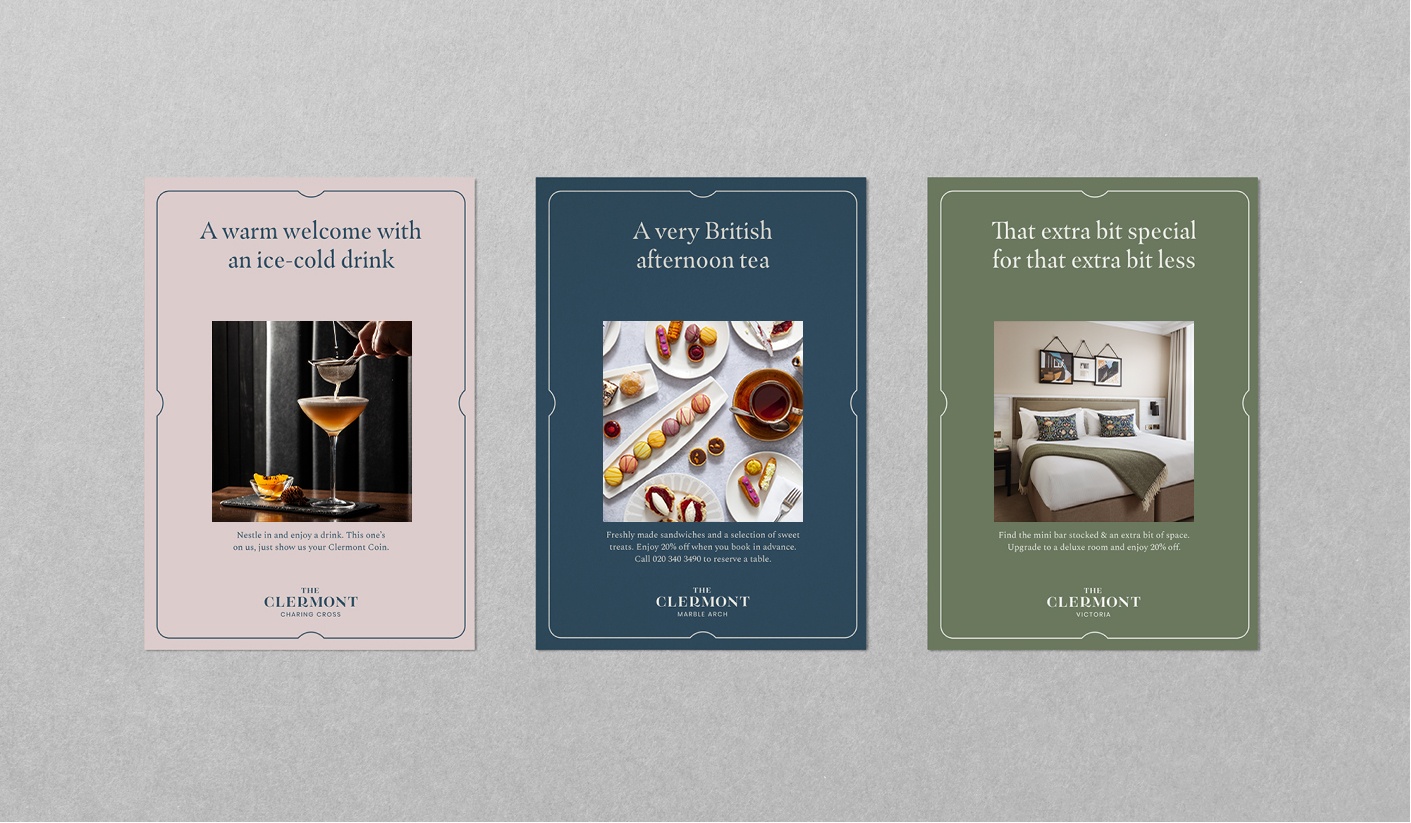
Frame Positioning
The frame always sits centre aligned and adopts the colour of the text being used on the asset.
Our frame pack has been created to encompass most standard ratios which can be scaled up or down, as well as standard paper sizes.

Clermont Moss on Clermont Cream

Clermont Cream on Clermont Moss

Clermont Cream on Royal Blue

Royal Blue on Sandstone

Royal Blue on Soft Rose

Royal Blue on Clermont Cream
Charcoal on Clermont Cream

Royal Blue on Clermont Cream
In use, Royal Blue is used as the Graphic Device colour because this is the colour of the type.
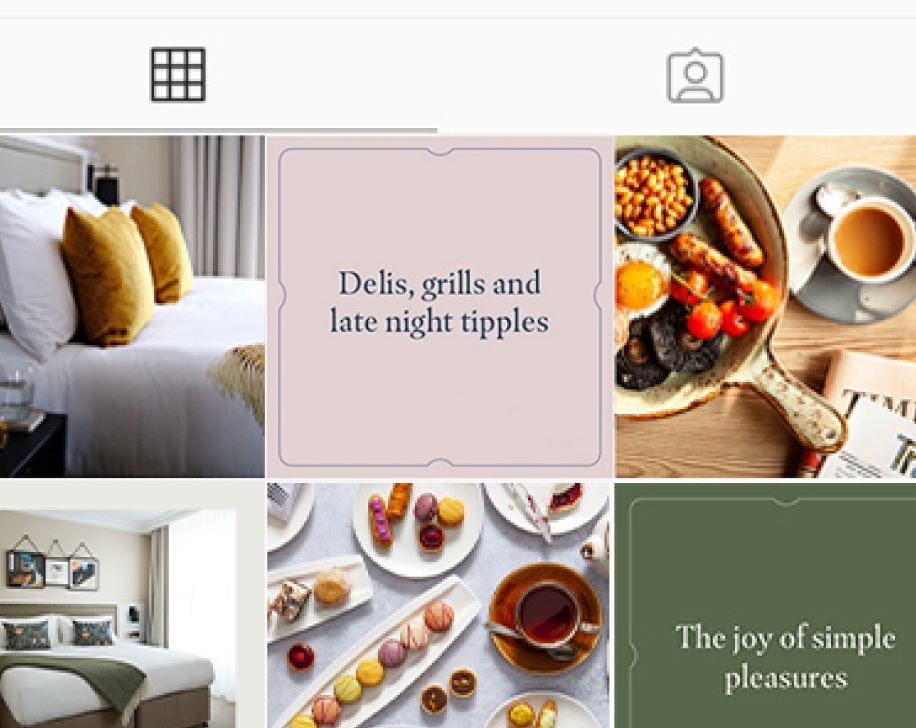
Royal Blue on Soft Rose
Royal Blue is used on Soft Rose to increase contrast and aid legibility.
Our frame pack has been created to encompass most standard ratios which can be scaled up or down, as well as standard paper sizes. Clearspace has already been included within the templates.
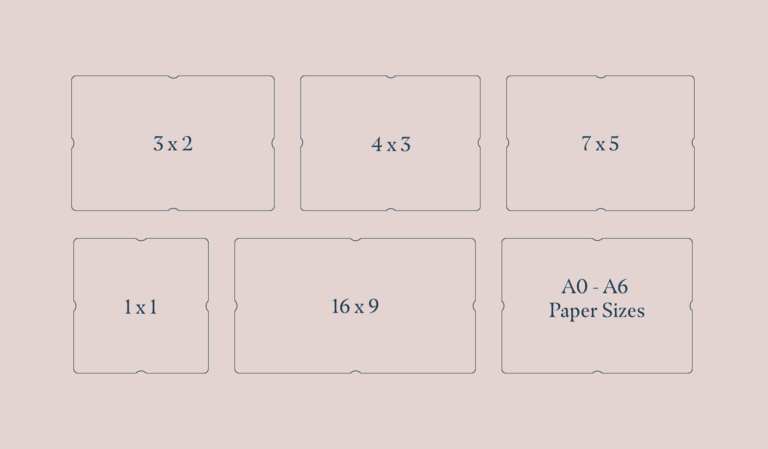
Landscape Templates
These ratios should cover most applications and should be used before making a custom frame.
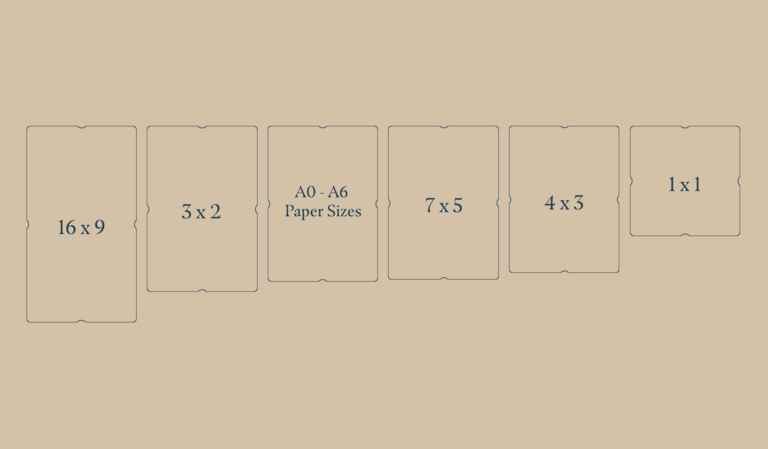
Portrait Templates
These ratios should cover most applications and should be used before making a custom frame.
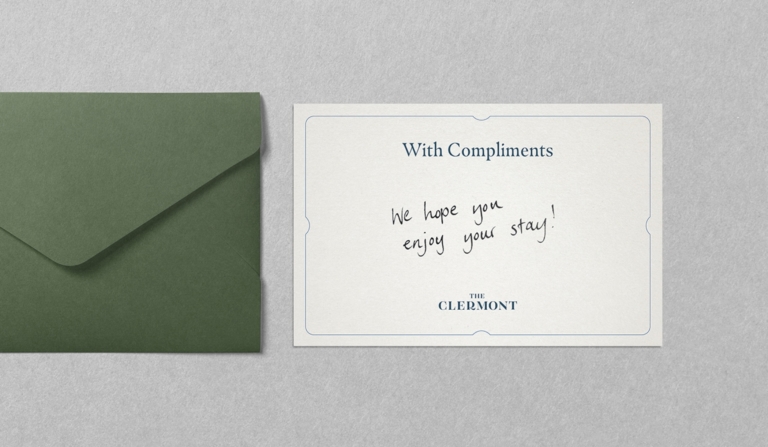
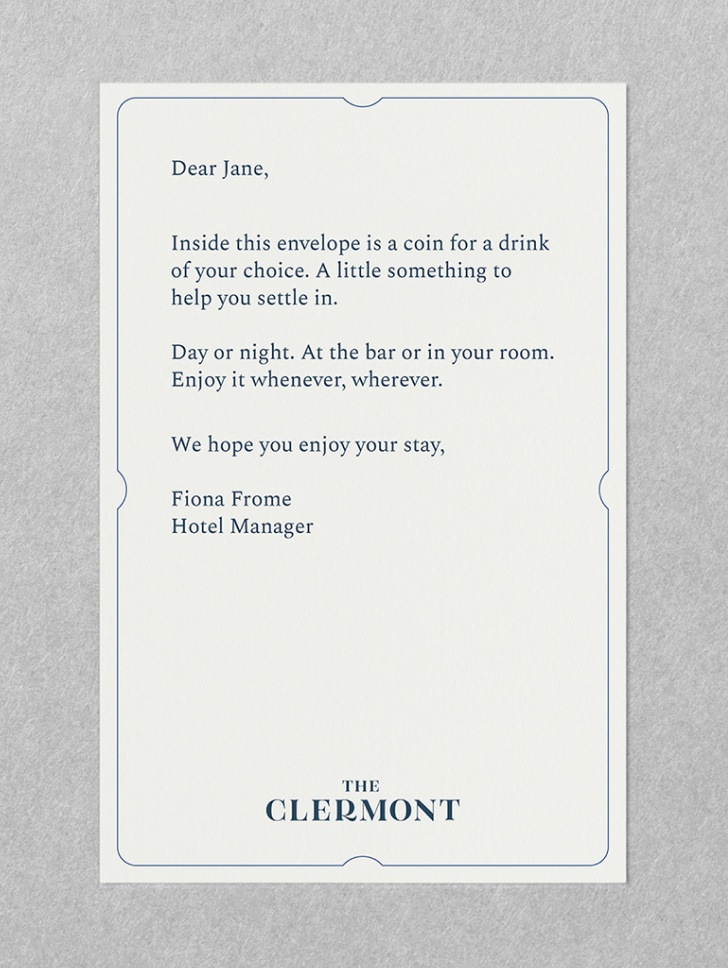
Welcome Note
A welcome note utilising a landscape A-Size frame. Clearspace is respected on the outside of the frame as well as for the content housed within the frame.
This is a guide on how to accurately recreate the frame in your desired size, for the situations where there isn’t a suitable frame size already made up.

A Video Will Live here
xxxxxx xxxxxxx
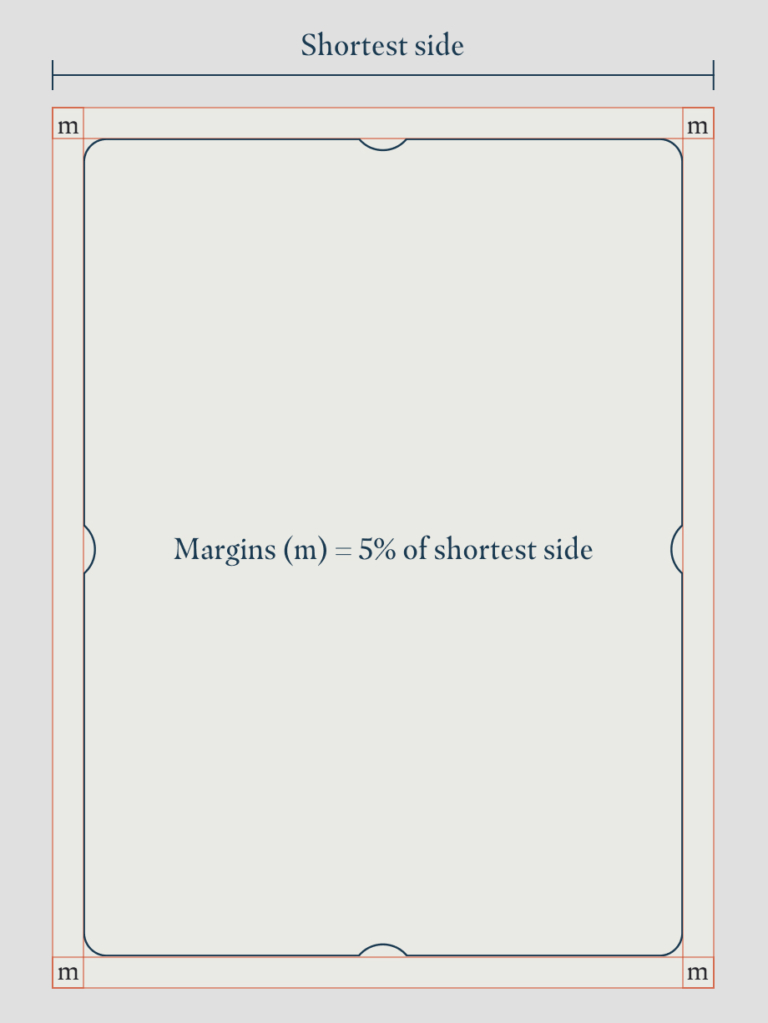
When placing the frame, it should always sit central to the asset and have equal clearspace around the border. To determine this clearspace, we use a rule that works across all sizes. This rule is explained in-depth on the Composition page.
The frame sits on a margin that's 5% of the shortest side
If the shortest side of your asset is 210mm, the margin would be 10.5mm around the asset. The Clermont frame would then sit on this margin.
Content clearspace
The content that sits within the frame should never be too close to the frame. The content should sit within the frame should sit within a 10% margin from the edge of the page.
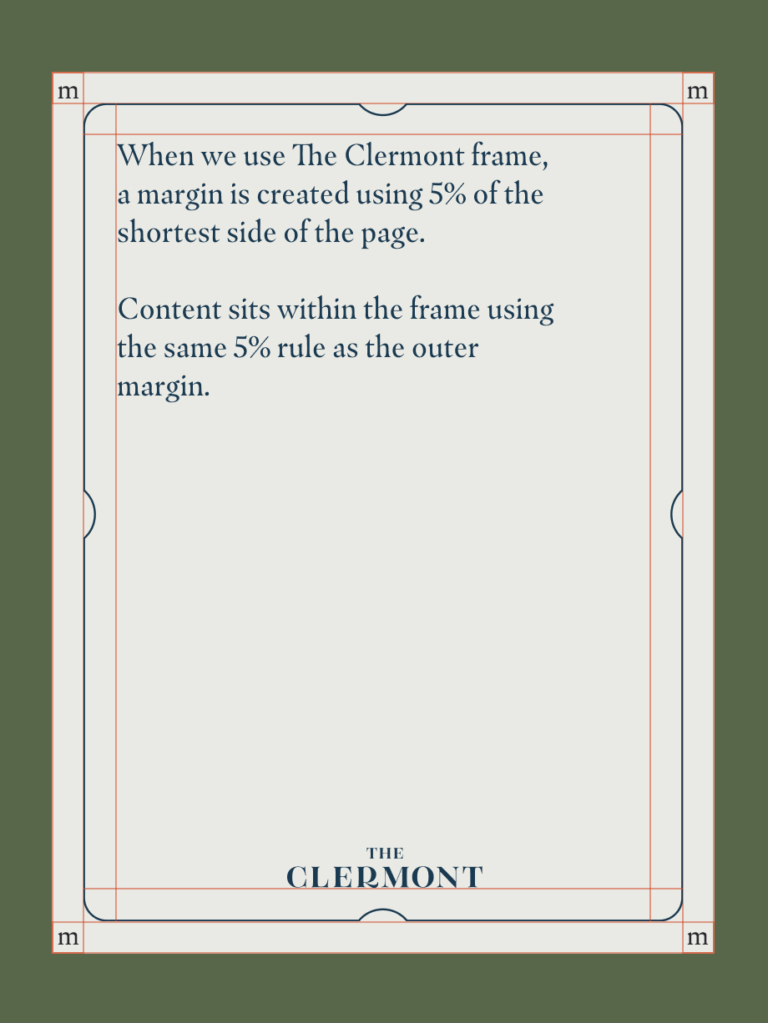
Do use the clearspace as a minimum
Content should sit centrally within the frame and have enough space to fit comfortably.
Don’t position information too close to the edge
Be mindful not to break clearspace rules as content can look cramped and messy.
Here are some common errors to avoid when working with The Clermont Frame

Don’t create too much space around the frame

Don’t clip images within the frame

Don’t stretch or squash the frame

Don’t change the position of the hole punch indents

Don’t change the thickness of the stroke/outline

Don’t use a different colour frame to the logo or type
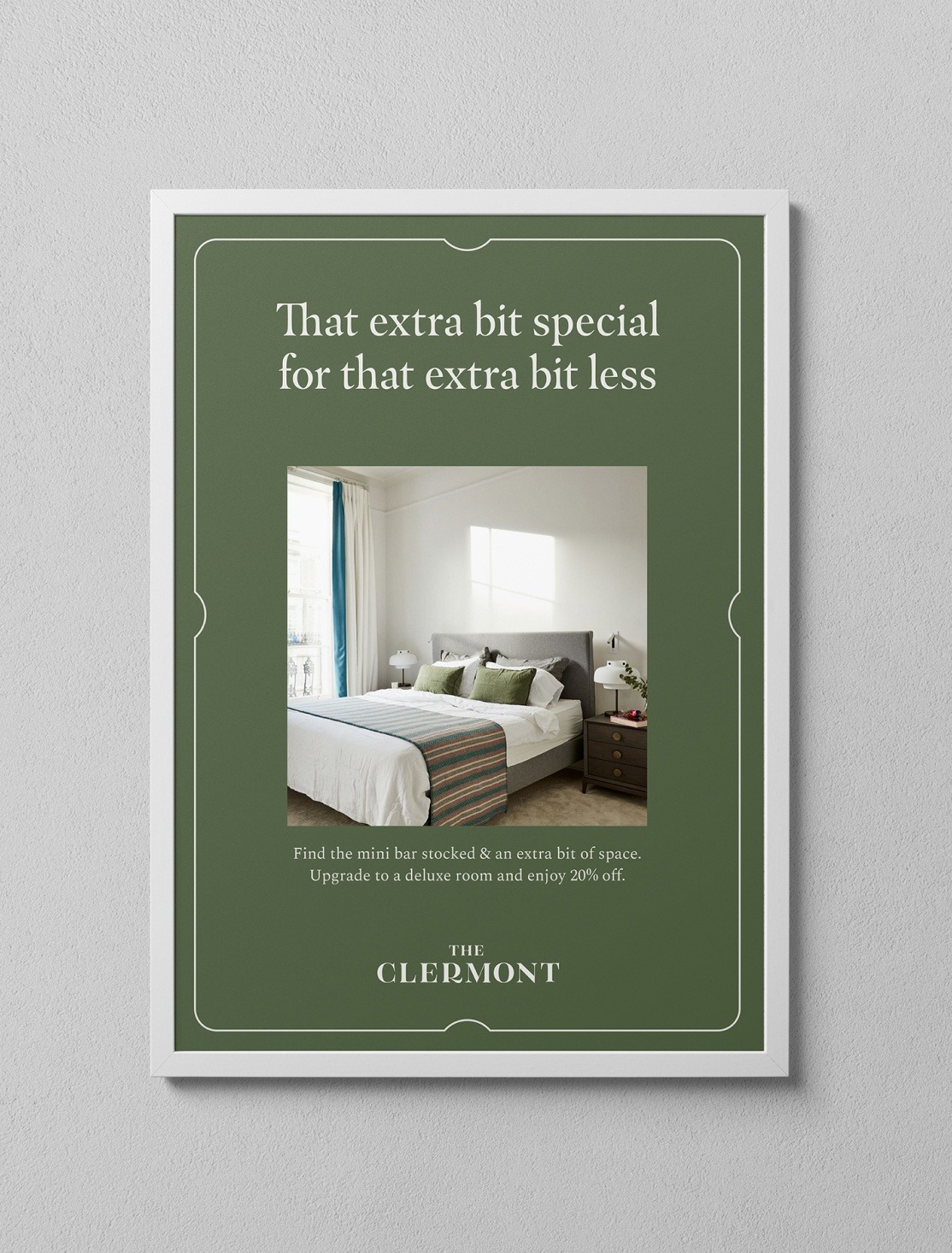
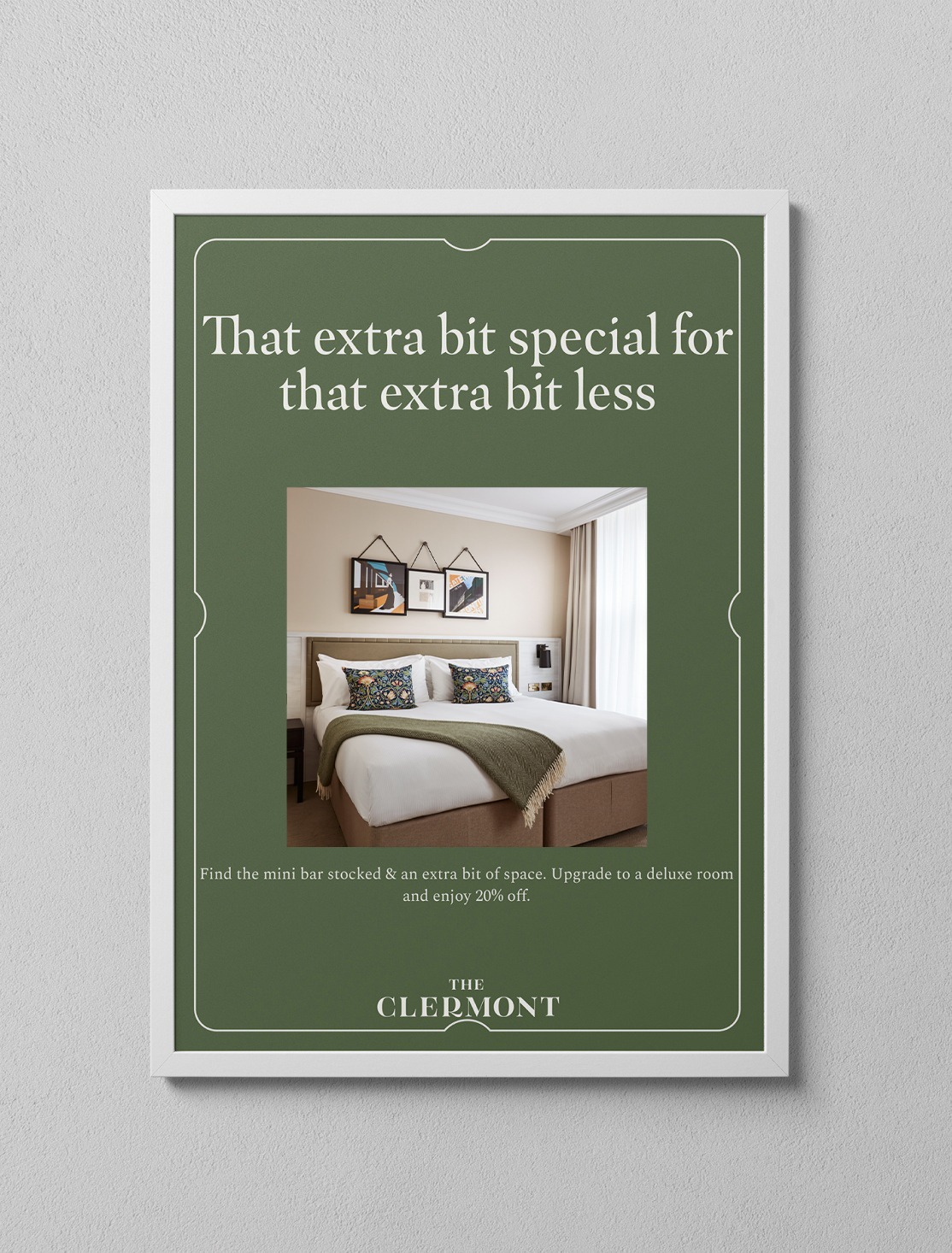
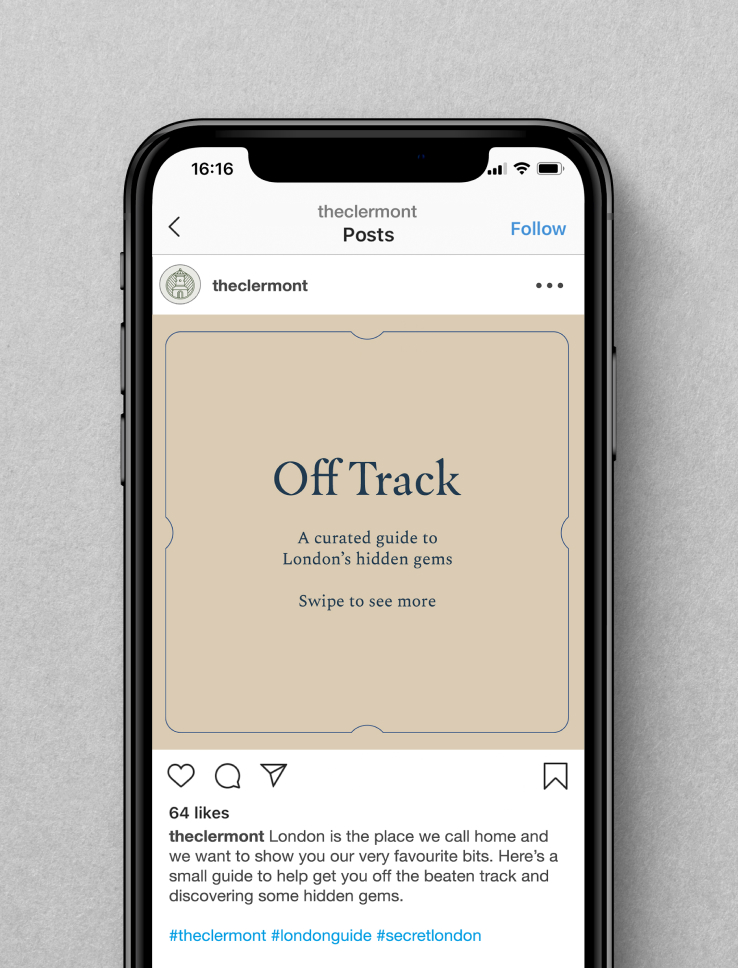
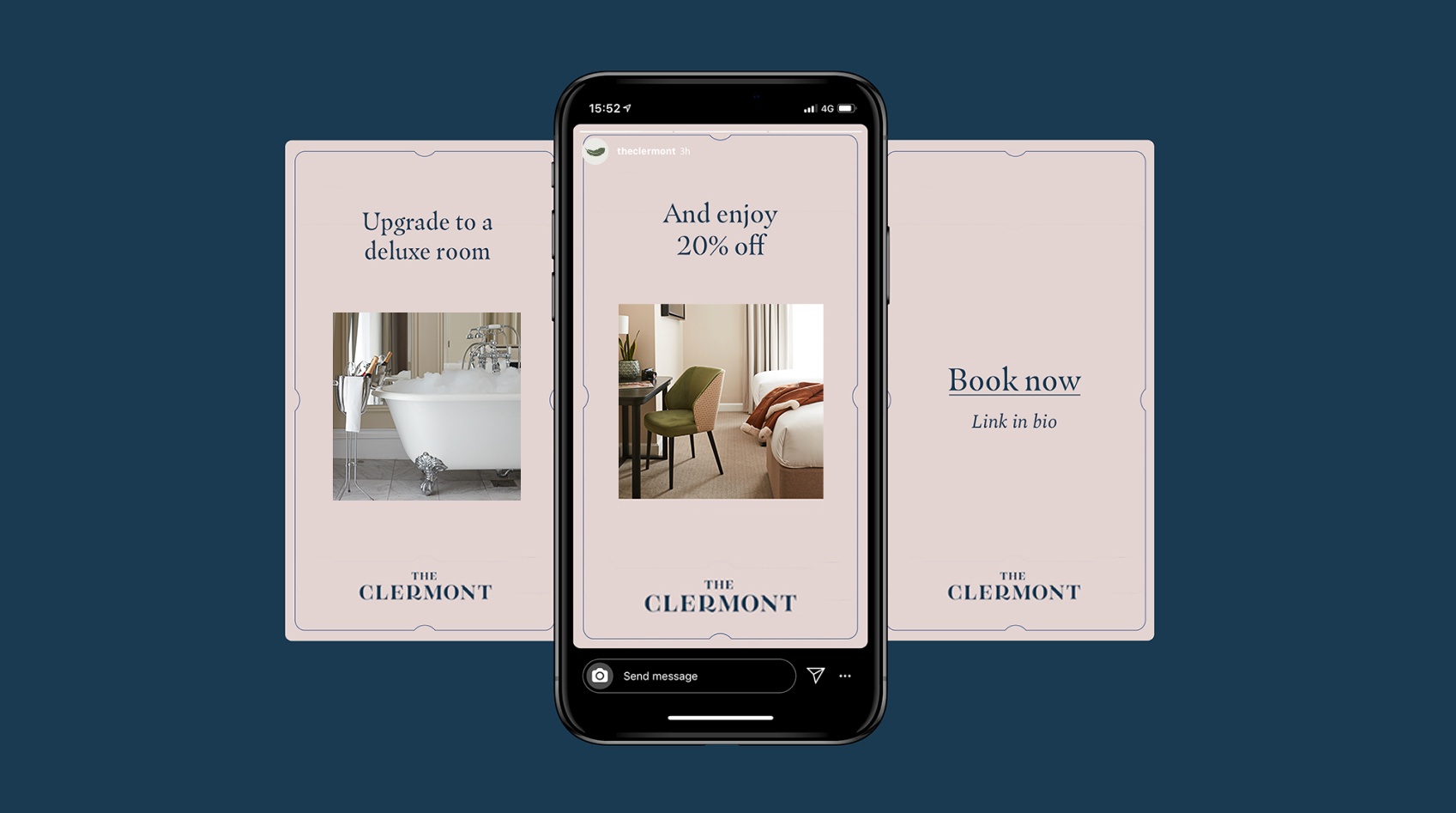
When The Clermont Frame is used correctly, it adds an elegant, on-brand dimension to simple assets. Here are some best in class examples.




If there is something on this list you are unable to check, get in touch with our brand manager at aline.peters@clermonthotel.group
Ready to go!